Free tattoo maker
Make a tattoo design in seconds
No design skill needed. Type a quick idea — or just hit Generate with the starter prompt already filled in — and get a tattoo-ready image in one pass: a line sketch, two finished directions, and a placement preview.
4 designs per set
Line sketch, 2 finished designs and a placement preview
Fine-tune placement & lookNo placement · Square 1:1 · Black & Grey · Medium
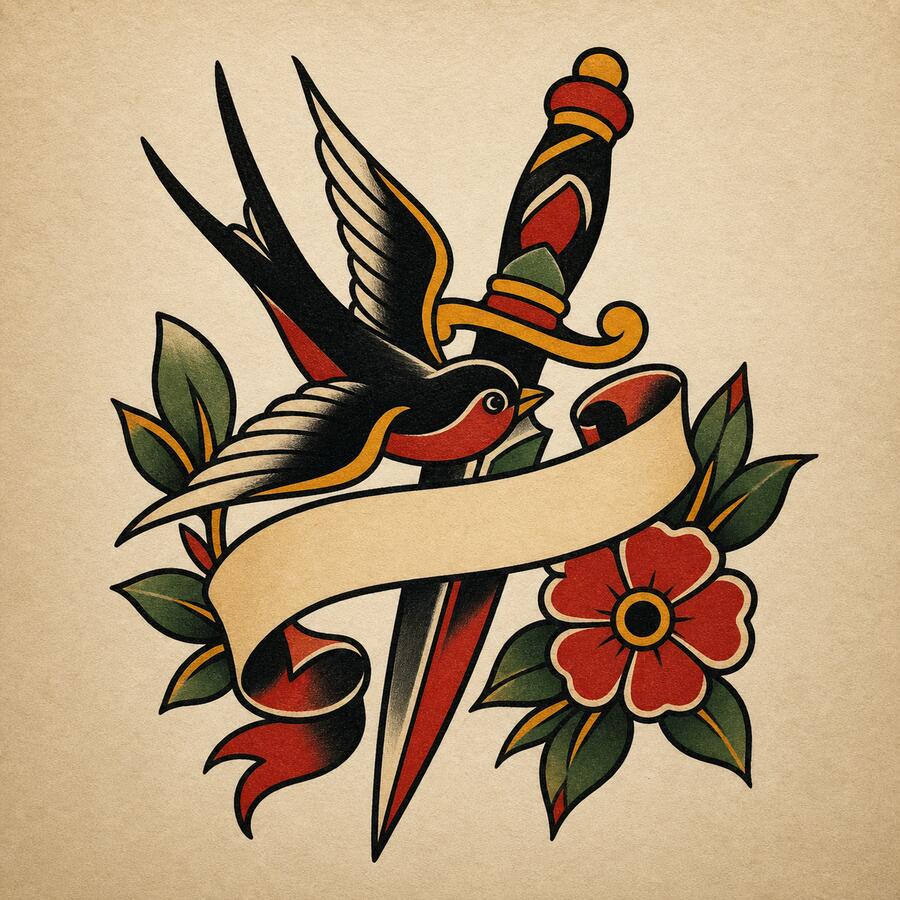
Your design appears here
Write your idea, then tap Generate — defaults are already set.
Four outputs per generation
Each run returns a line sketch, two finished directions, and a placement preview so users can compare before choosing.
Clear credit boundary
Starter credits create watermarked previews. Credit packs continue generation; Pro unlocks clean, watermark-free downloads.
No public creation gallery
InkBolt is built as a private working flow and does not automatically publish prompts or generated designs to a public gallery.
Before you bring it to an artist
- Use the line sketch as a reference for an artist, not a final stencil guarantee.
- Upload a reference photo when shape, pose, or style matters.
- Check placement and scale before committing to a studio appointment.
The fastest way to make a tattoo design online
Most people who want a tattoo do not want to learn design software, brief a freelance illustrator, or wait a week for a first sketch. They want to see an idea turned into an image right now, so they can judge whether it is worth pursuing further. That is exactly what this tattoo maker is built for: a blank idea in, a tattoo-ready image out, in a single generation.
There is no learning curve. The prompt box opens with a starter idea already filled in, every style tile has a sensible default, and the Generate button works the moment the page loads. If you already know what you want, type it in one sentence. If you do not, hit the dice for a random idea or just generate the default — you can always refine from there.
Each generation produces four images at once, not one: a clean line sketch, two finished design directions with shading and color, and a placement preview. That means you are comparing options from the very first click instead of waiting on a single result and hoping it lands.
How the tattoo maker works
Land in the studio
Sign in with Google and your free starter credits are ready. The prompt box is pre-filled with a starter idea, so you can hit Generate immediately or type your own in seconds.
Pick a style — or skip it
Ten tattoo styles are one tap away. If you are not sure, the default style already produces a solid result.
Generate instantly
One click makes four images: a line sketch, two finished directions, and a placement preview. No waiting on a designer, no back-and-forth.
Download or refine
Like what you see? Download it. Want a tweak? Type one change — 'make it smaller', 'add color' — and get a new version without starting over.
Tattoo maker vs. hiring a flash artist: which to use when
A tattoo maker is not a replacement for a skilled artist's final linework — it is a way to explore ideas before you ever book a chair. Here is how the two approaches compare for the exploration phase.
| Criterion | Tattoo maker | Flash artist consultation |
|---|---|---|
| Time to first result | Under a minute | Days to weeks (booking + consultation) |
| Cost to explore ideas | Free to start | Consultation fees or deposits at many studios |
| Design skill required | None — describe it in one sentence | None, but you must verbally communicate the concept clearly |
| Number of directions to compare | Four per generation, paid per credit | Usually one or two sketches per consultation |
| Best for | Fast exploration, first-timers, quick reference before booking | Final linework, custom composition, in-person placement judgment |
The two are complementary, not competing. Use the tattoo maker to land on a direction fast and cheap, then bring the line sketch to your artist so they can adapt the linework to your skin, size, and placement.
Tips to get a good result on your first try
- 1 One clear subject beats a long list. "A small anchor with rope" works better than five unrelated ideas crammed into one prompt.
- 2 Pick a placement before you generate. Selecting forearm, back, or ankle tells the maker how to frame the composition for that body area.
- 3 Do not overthink the first generation. It costs nothing to try again. Generate, look at all four outputs, then refine the one that is closest.
- 4 Use Refine for one change at a time. "Make the lines bolder" or "remove the background" keeps the composition you liked while fixing the one thing you did not.
Explore related tattoo tools
- AI tattoo generator — the full studio for open-ended exploration across all styles and placements.
- Tattoo designer — for when you want composition and style precision, not just speed.
- Image to tattoo — already have a sketch, logo, or photo? Turn it into tattoo-safe linework.
- Virtual tattoo try-on — preview your finished design on your actual skin before you book.
Frequently asked questions
Is this tattoo maker really free? +
Yes. Sign in and you get 8 free credits — enough for several full design sets. Watermark-free high-resolution downloads unlock with Pro; credit packs add more generations if you run out.
How fast is it? +
Type a short idea, hit Generate, and your four-image set is usually ready in under a minute. There is no account setup beyond signing in and no design software to learn.
Do I need any design skill to use it? +
No. The tattoo maker is built for people with zero drawing or design background. Every field has a sensible default, so you can generate with just a one-line idea — the AI handles composition, linework, and shading.
Can beginners use this before their first tattoo? +
Yes, this is one of the most common uses. Making a quick design gives you a visual reference to bring to a consultation, even if you end up changing details with the artist.
What do I actually get from one generation? +
Every generation produces four images at once: a clean line sketch, two finished design directions with shading, and a placement preview.
How is the tattoo maker different from the AI tattoo generator? +
Same underlying studio, different starting point. The tattoo maker opens with a pre-filled idea for instant generation; the AI tattoo generator page is better when you already have a specific concept to explore in depth.